Hosted Configurations
Hosted Configuration lets you manage HawkScan configuration files directly in the StackHawk platform—no local files required. The integrated YAML editor includes validation and suggestions to help avoid configuration errors.
Key benefits:
- Centralized Management — Create and edit scan configurations in one place
- Integrated Editor — Schema validation and autocomplete based on HawkScan config
- Run From Anywhere — Use hosted configs with a simple
hawk://syntax
Managing Hosted Configurations
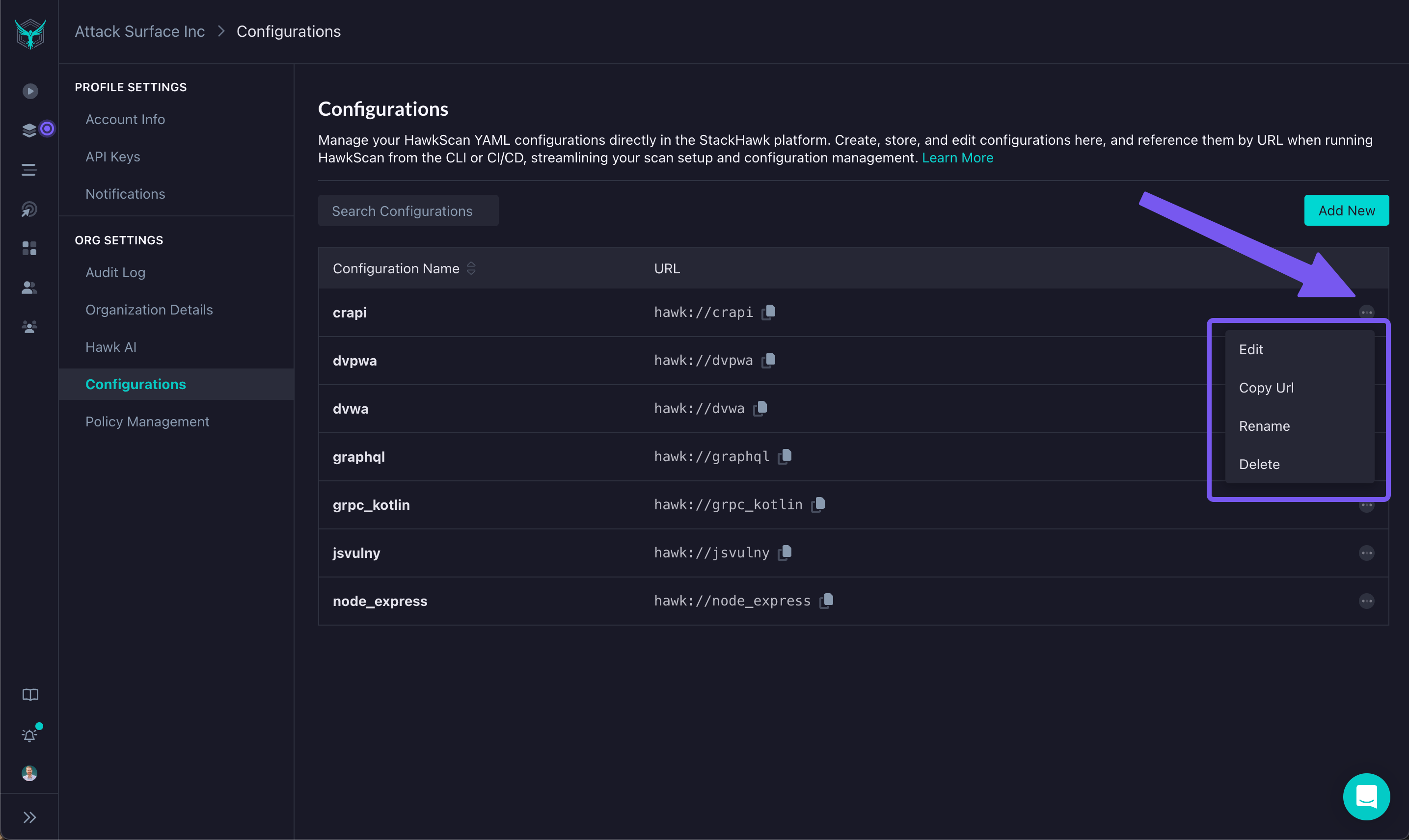
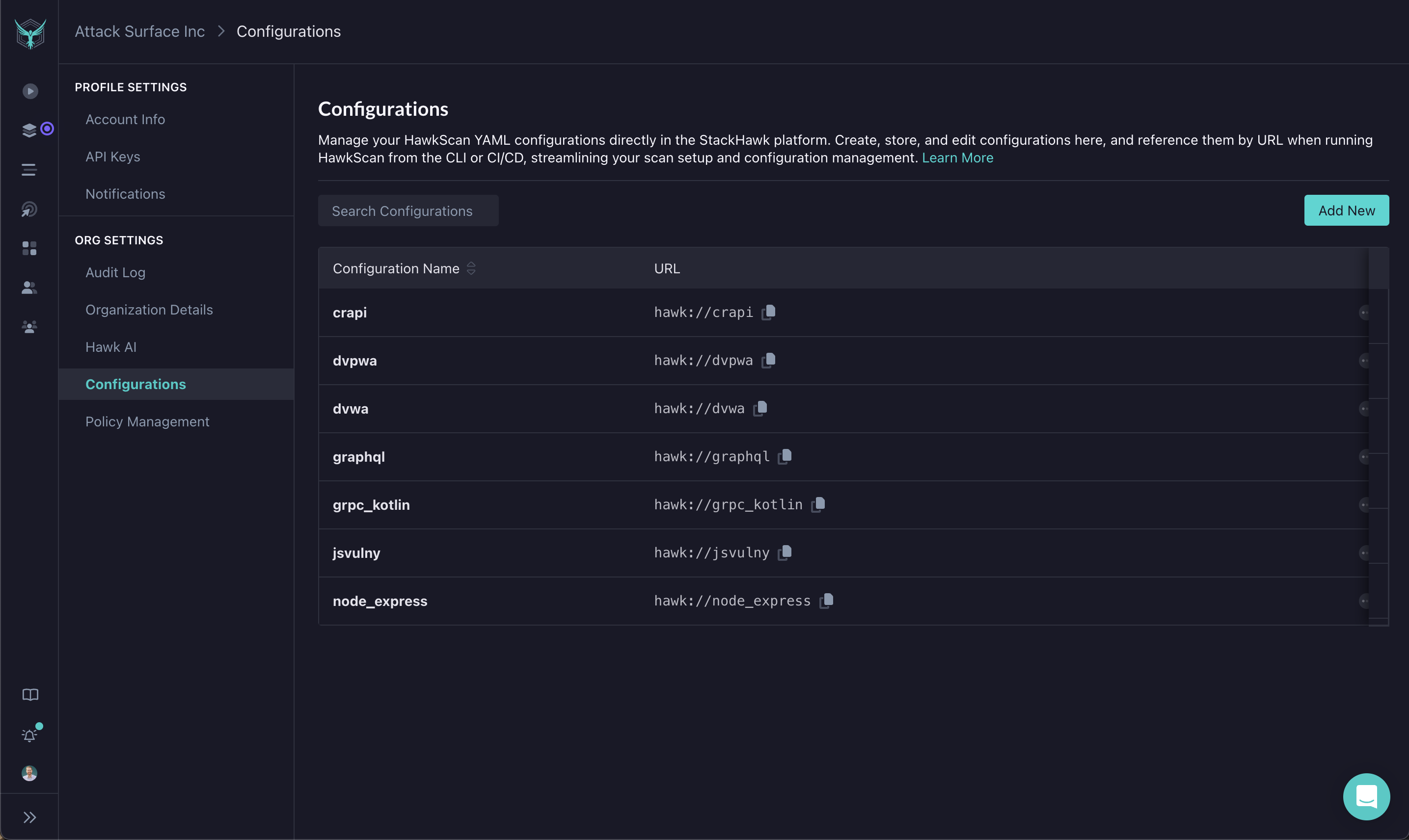
To access Hosted Configurations, navigate to Settings → Org Settings → Configurations. From this screen, you can create new configurations, edit existing ones, or delete configurations you no longer need.
Creating a New Configuration
- Click Add New.
- Provide a name for the configuration file.
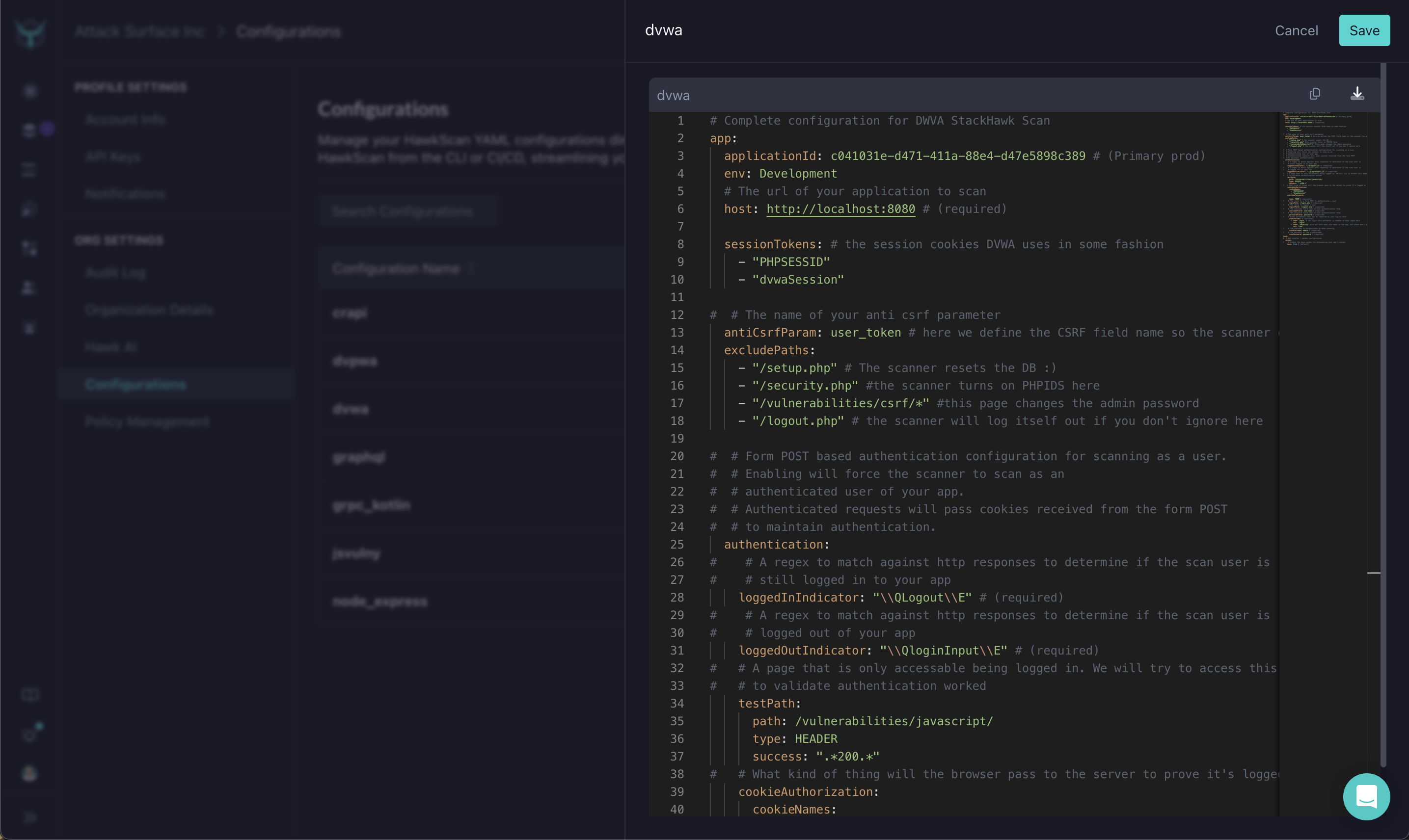
- Use the integrated YAML editor to add the desired HawkScan configuration settings.
Once created, the configuration will appear in the list of hosted configurations, and can be used in scan commands.
The Configuration Editor
The integrated editor is designed to make configuration editing straightforward and error-free:
- Schema Validation: The editor validates your configuration against the HawkScan schema, ensuring all required fields are present and correctly formatted.
- Autocomplete and Suggestions: As you type, the editor provides suggestions for configuration options and values, helping you build a valid configuration more quickly.
Using Hosted Configuration Files with HawkScan
To run a scan using a hosted configuration file, use the following syntax:
$ hawk scan hawk://config-file-nameReplace config-file-name with the name of the hosted configuration you created. This command will use the specified configuration for the scan, making it easy to initiate scans from any environment without needing a local configuration file.
Renaming and Deleting Configurations
You can rename or delete a hosted configuration via the context menu in the management screen:
- Click the actions menu ( ) next to the configuration you want to modify.
- Select Rename to change the configuration name or Delete to remove it.