Policy Management
This feature is available on the StackHawk Enterprise plan.
When you run a security test with HawkScan, the scanner uses a scan policy—a set of plugins that correspond to common vulnerability tests.
StackHawk offers multiple scan policies with different plugins depending on your application type. The policy used during a scan is determined by your stackhawk.yml configuration.
Organization Policy Management
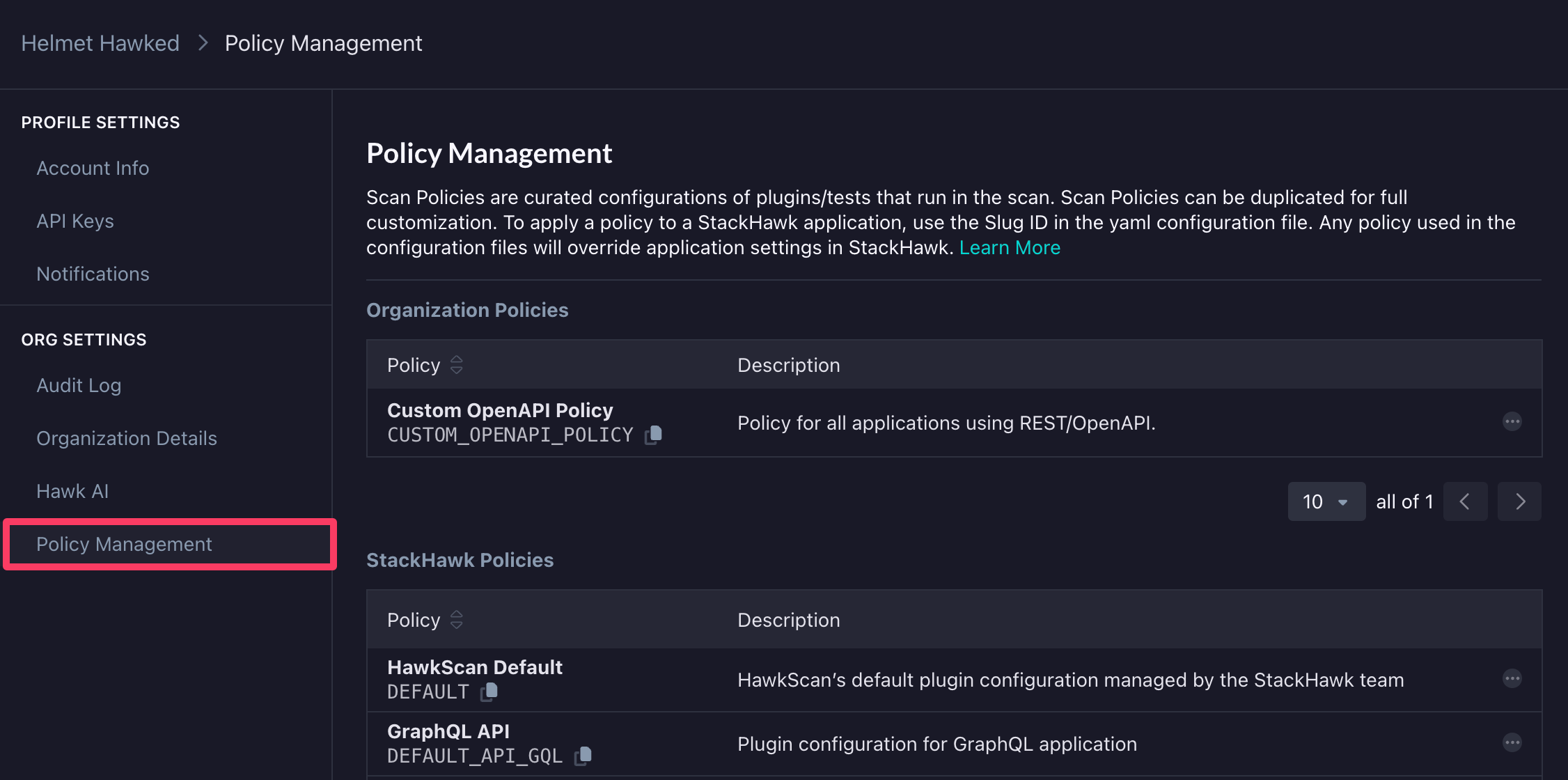
Scan policies can be configured across all Applications using Organization Policy Management found in Settings → Org Settings → Policy Management. We recommend this approach to ensure consistent policies across multiple applications.
StackHawk supports creating organization-level policies that can be assigned directly from your stackhawk.yml configuration, enforcing consistent security standards across all your applications.
Creating and Applying Policies
To create a new organization policy:
- Choose one of the default StackHawk policies to duplicate based on your application or API technology. See StackHawk Policies for a description of each default policy.
- Give it a name and description.
- Adjust the plugins and tech flags as needed for your applications.
To apply the policy to all applications, include the following configuration in your stackhawk.yml file:
app:
  scanPolicy:
    name: CUSTOM_OPENAPI_POLICY
Use the generated Slug ID (e.g. CUSTOM_OPENAPI_POLICY) for the scan policy name in your configuration file.
Customizing Policies for Specific Applications
If specific plugins are required or not applicable for a particular application, adjust the configuration file to include and exclude plugins as follows:
app:
  scanPolicy:
    name: CUSTOM_HAWKSCAN_POLICY
    includePluginIds:
      - 90036
    excludePluginIds:
      - 90035
Viewing Applied Scan Policy
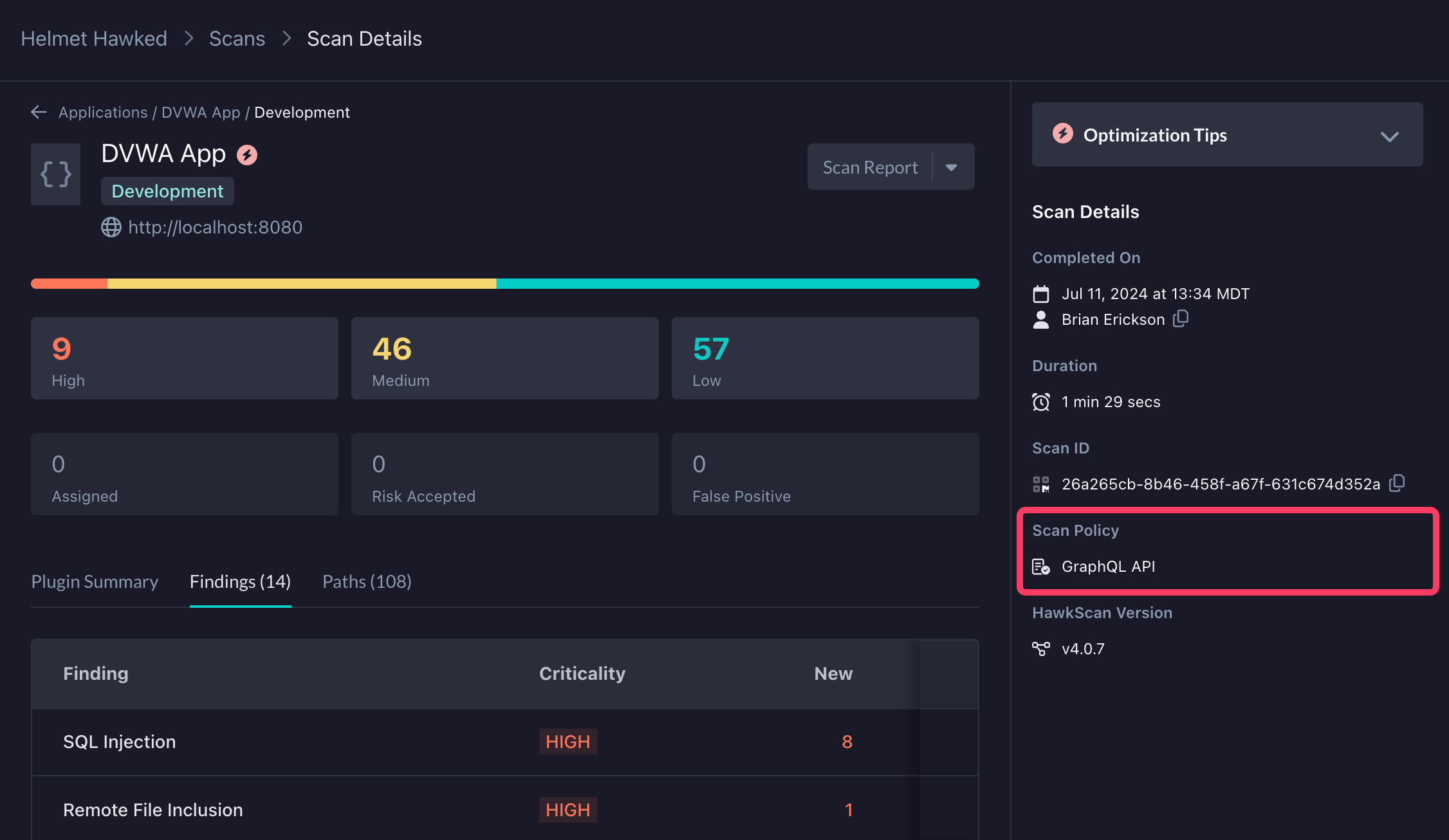
To confirm which policy was applied for a particular scan, check the Scan Details screen which will indicate the name of the Scan Policy as well as whether or not it was modified from its defined configuration.