

Technology Flags
Technology Flags let you tune HawkScan for the specific technologies in your application—databases, languages, frameworks, and more.
Benefits of configuring tech flags:
- Faster scans — Skip irrelevant tests
- Fewer false positives — Only test for applicable vulnerabilities
By default, all tech flags are enabled for new applications.
Selecting Technology Flags
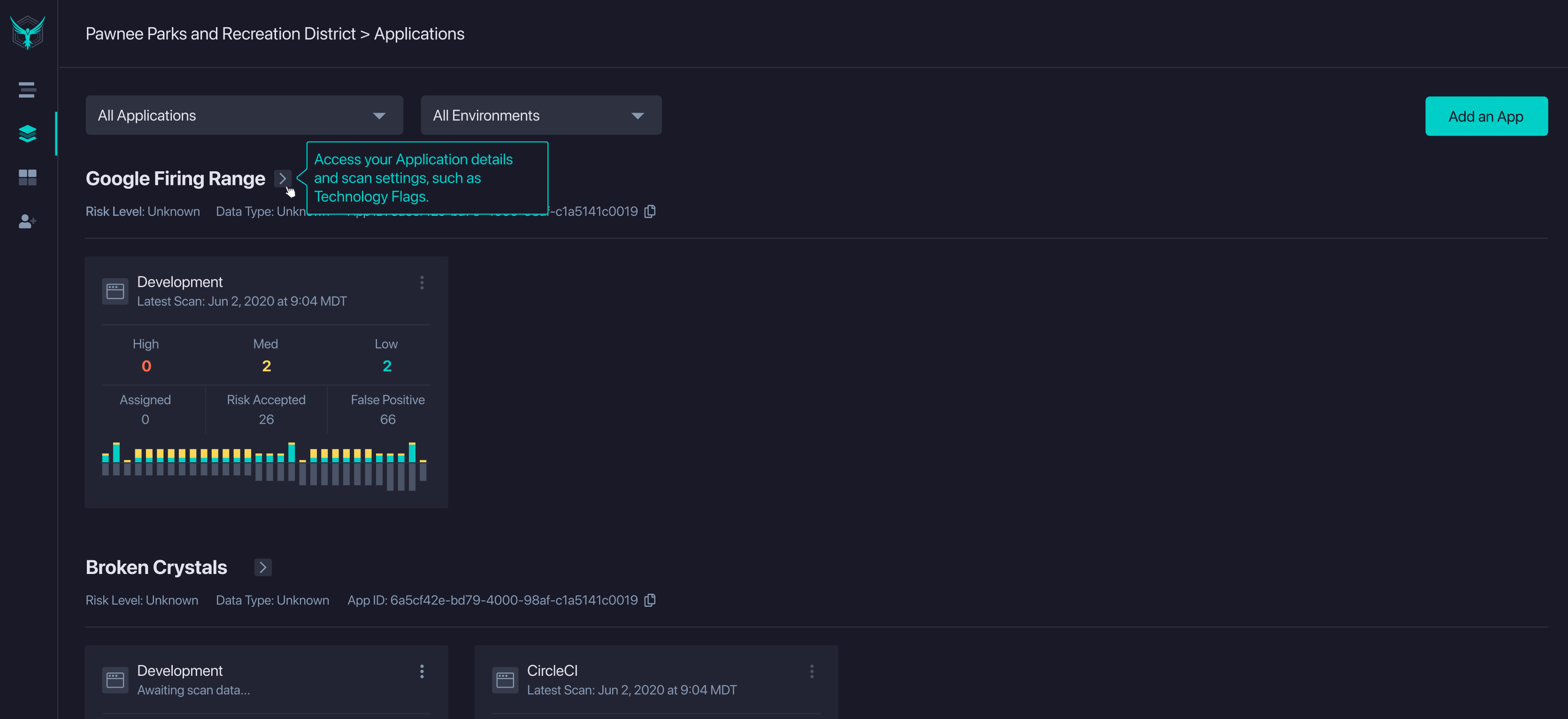
To set tech flags, go to the Applications page. Find your application and click the expand icon ( ) to open application settings.
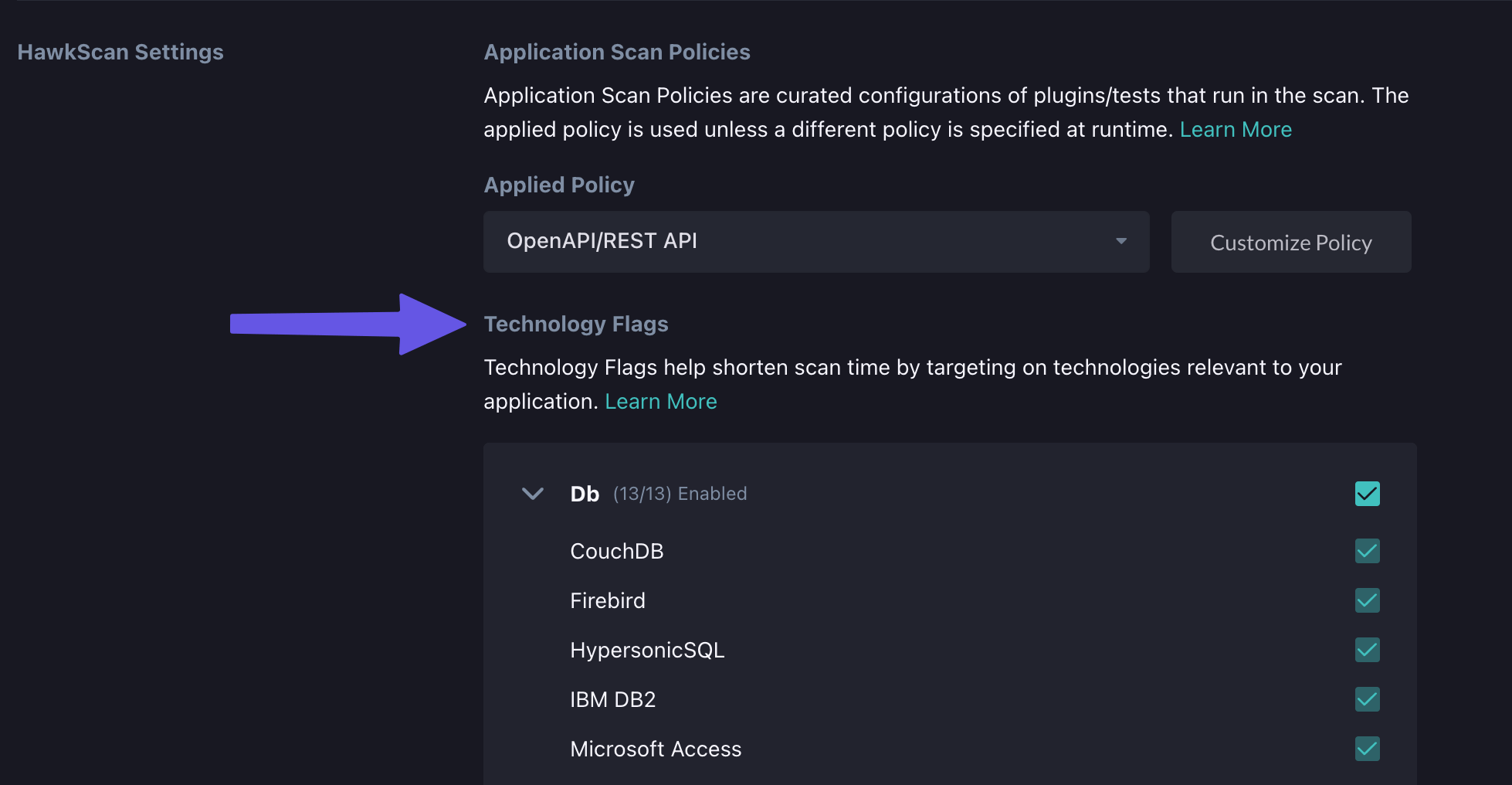
In the HawkScan Settings section, locate Technology Flags below Application Scan Policies.
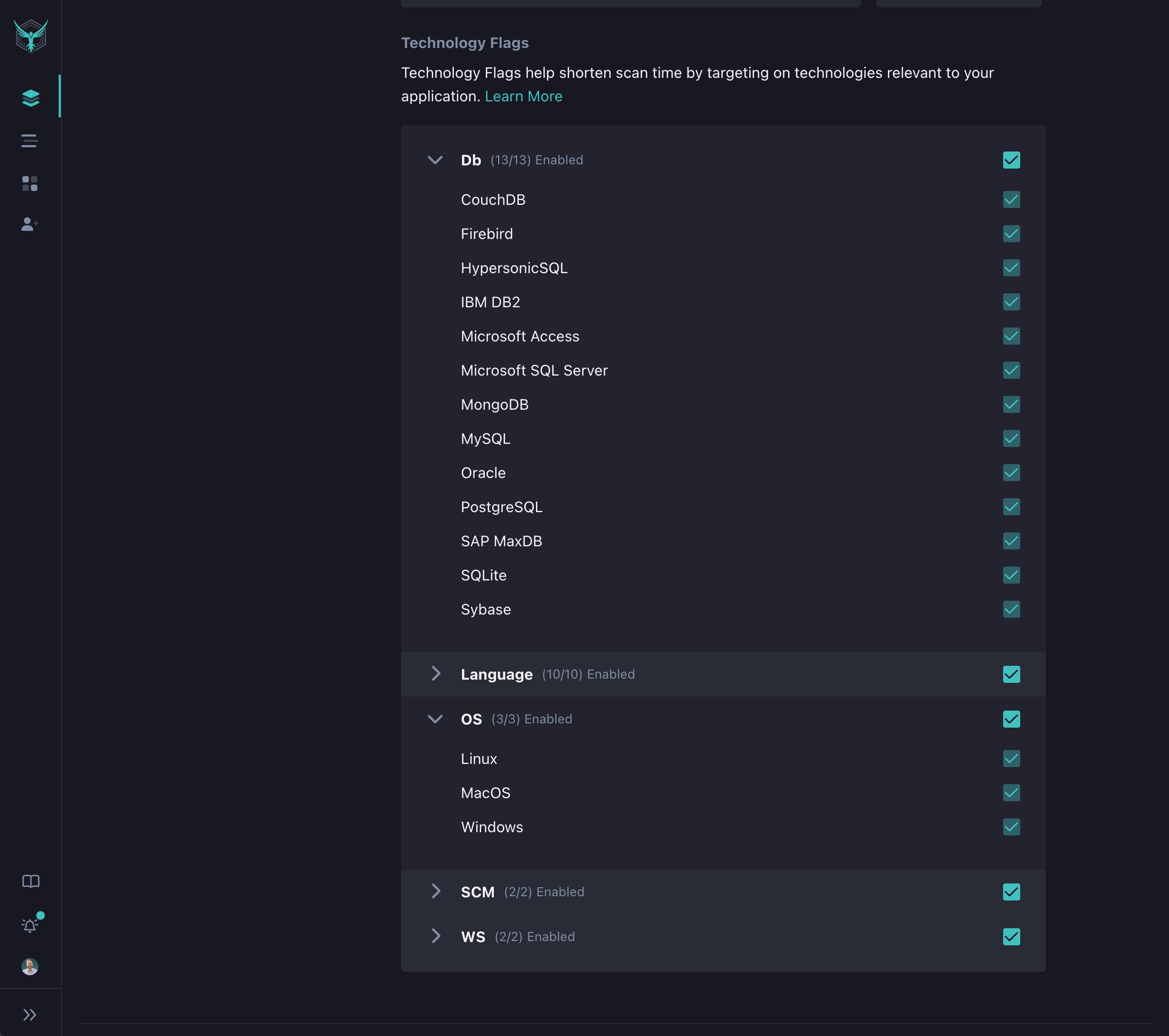
Check the boxes for technologies your application uses. Uncheck technologies that don’t apply to reduce scan scope.
Video Tutorial
Watch how to configure tech flags for your application: